Your files, nothing else
WillPower plays media you own or are allowed to use. It supplies no streams or catalogue, and shows no ads between your tracks.
A native player and studio for the audio, videos and images you already own. Bring them in from Files, Photos, your computer or an iCloud Drive folder, then play, convert, cut, add effects and make ringtones.
For iPhone and iPad · WillPower by RUBYNAV INC · a product of RUBYNAV INC
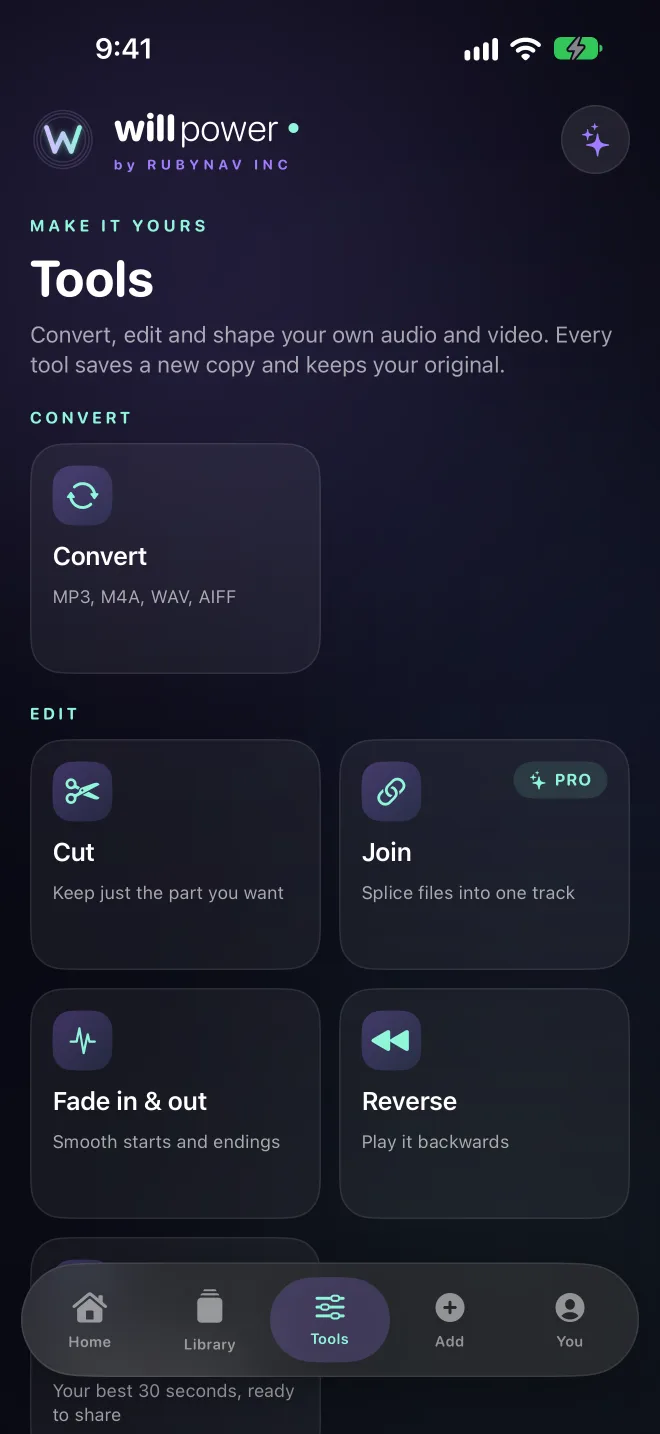
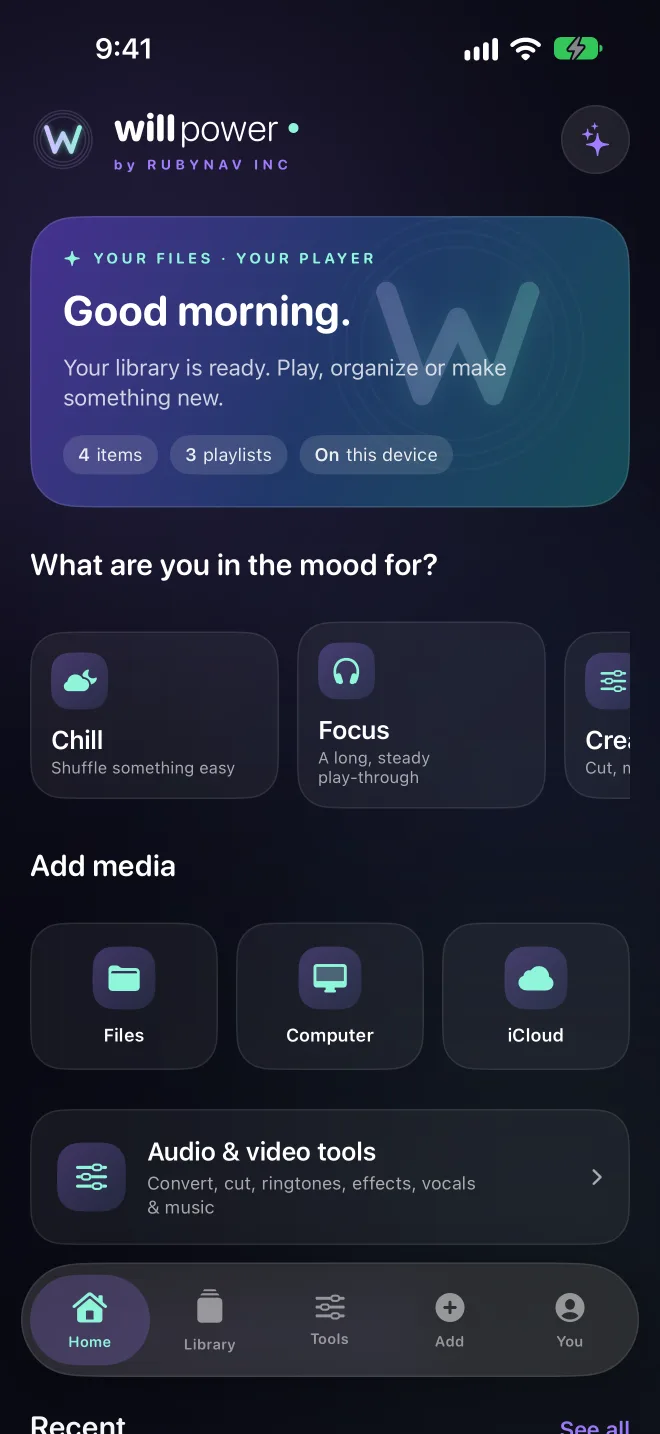
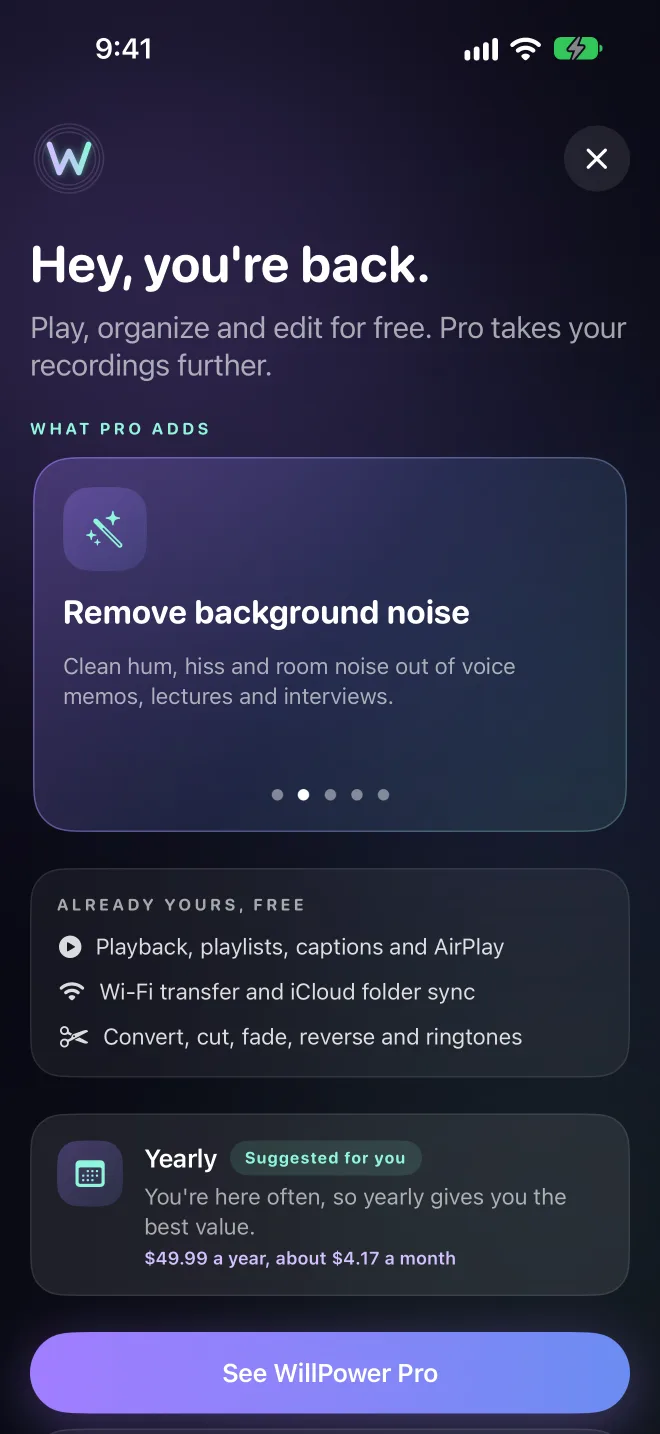
WillPower plays audio, video and images, and converts, cuts, makes ringtones and adds effects, with playlists, captions, AirPlay, Wi-Fi transfer and iCloud Drive folder sync. Pro adds noise removal and vocals and music separation.
Everything you need to collect, organize, play and shape your own media, without a catalogue or ads in the way.
WillPower plays media you own or are allowed to use. It supplies no streams or catalogue, and shows no ads between your tracks.
Imported media lives in the app's private storage on your iPhone or iPad. It leaves only when you choose to sync, share or use a cloud tool.
Importing, playlists, playback and the on-device tools are free and work without an account. Pro is optional and adds noise removal, vocal separation and cloud AI.
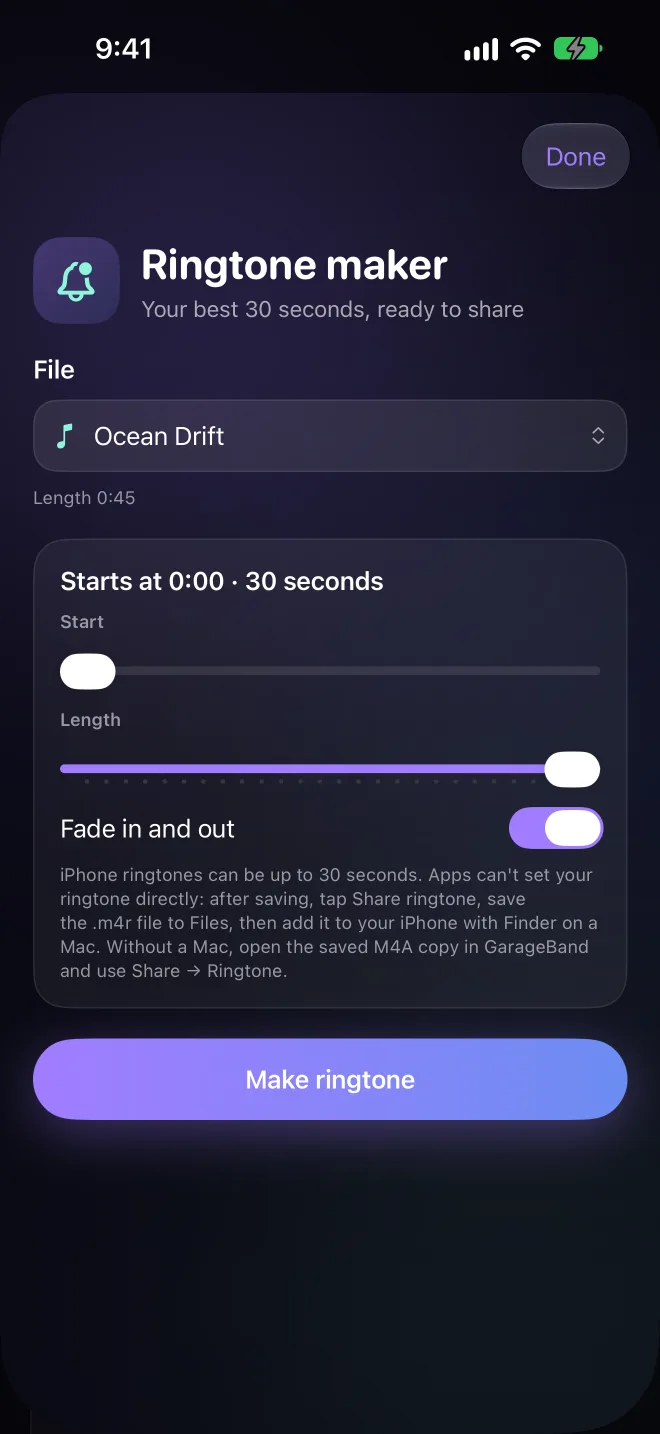
Convert, cut, join, fade, reverse and add effects to your audio, turn videos into audio, trim and compress video, and make a 30-second ringtone. Every tool saves a new copy and keeps your original.
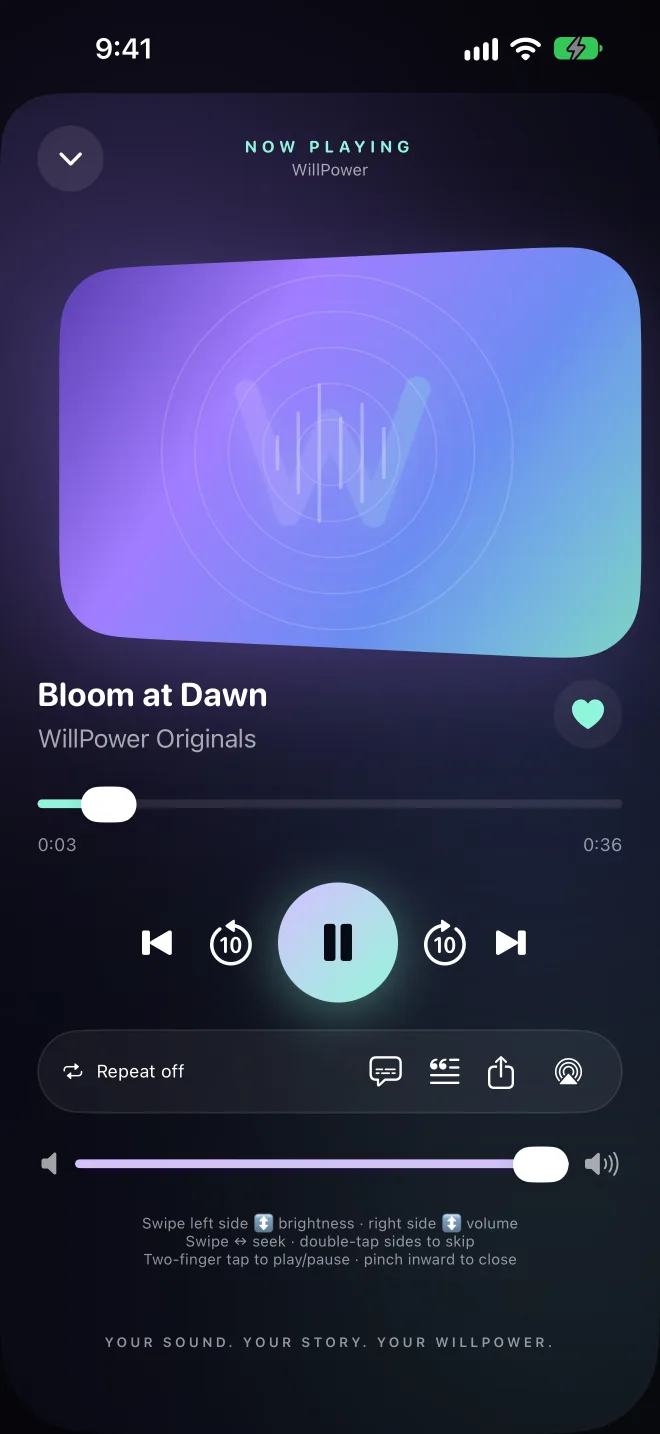
Turn on embedded closed captions, or add your own SRT and VTT captions and LRC or TXT lyrics. With WillPower Pro, you can also transcribe and translate captions.
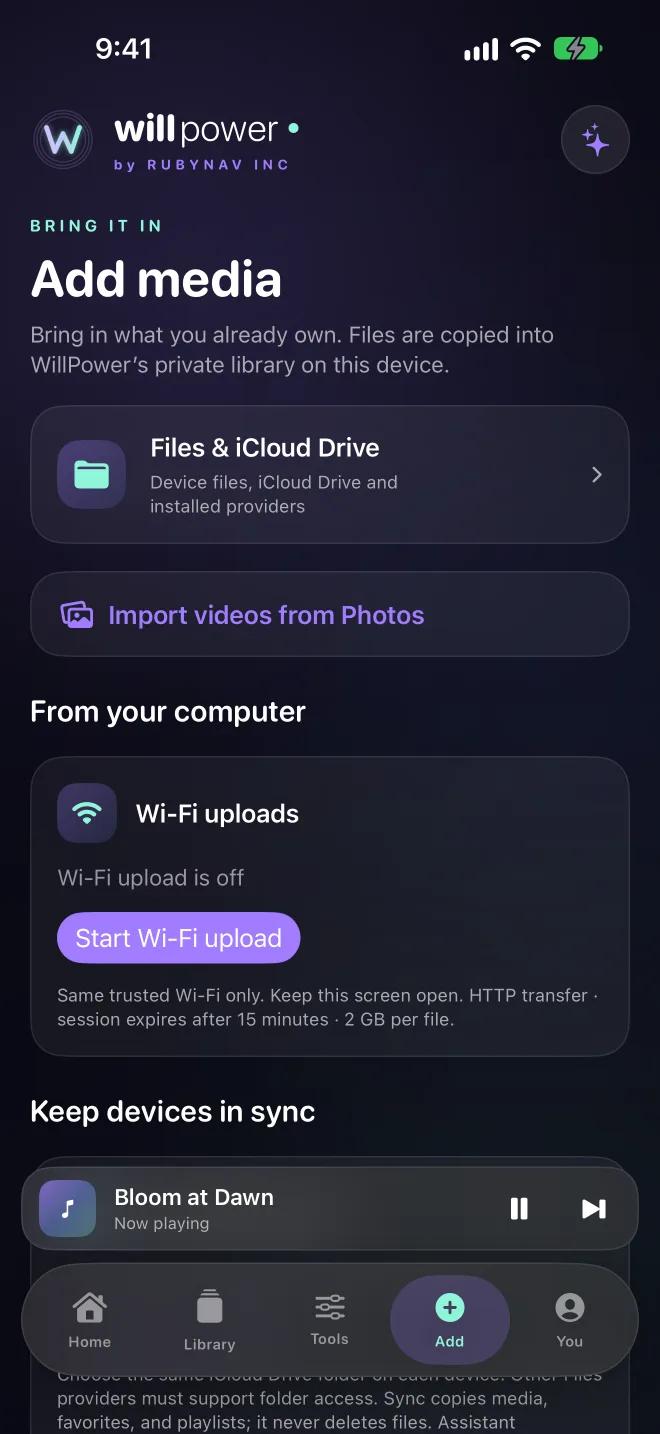
Pick files from the Files app, import videos from Photos, send files from your computer over Wi-Fi, or connect an iCloud Drive folder to keep adding what you drop in it.
Swipe for brightness and volume, swipe across to seek, double-tap to skip, tap with two fingers to play or pause, and pinch to close.
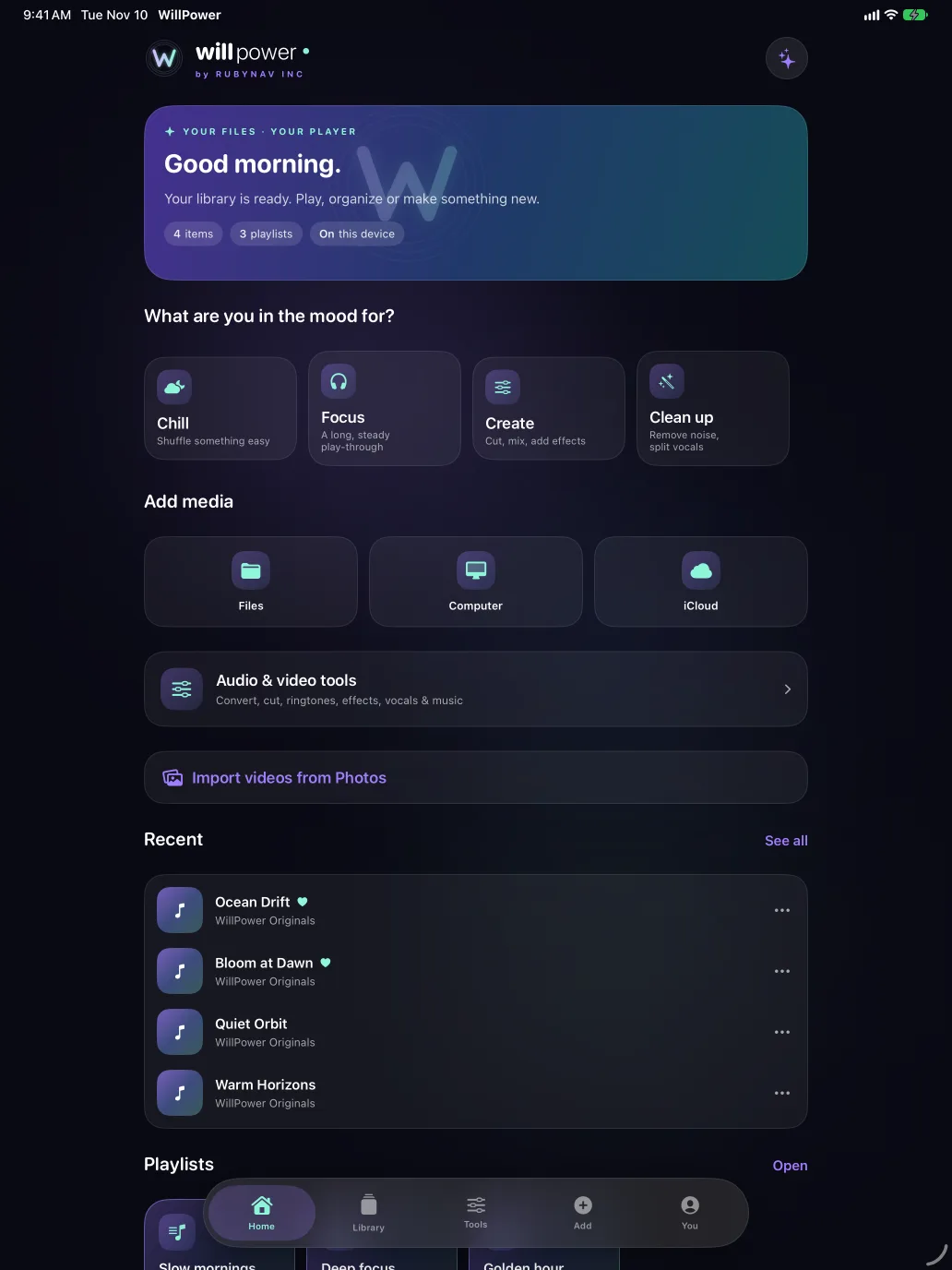
WillPower is built natively for iPhone and iPad, with the same library, playlists and player on both.
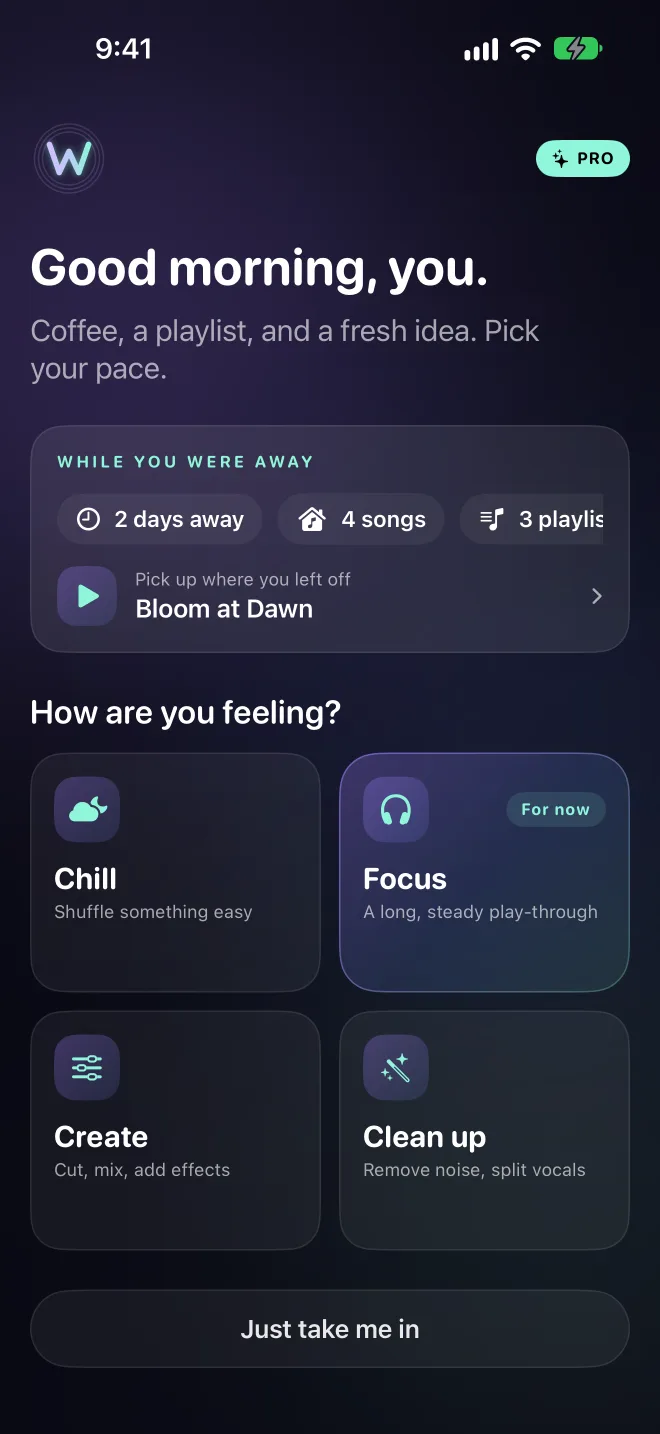
An animated welcome on every launch. New here? A short tour and the plain-words terms. Back again? See what changed while you were away and pick a mood: Chill, Focus, Create or Clean up. Or just go straight in.
Choose audio, videos and images from Files or Photos, or transfer them from your computer over Wi-Fi.
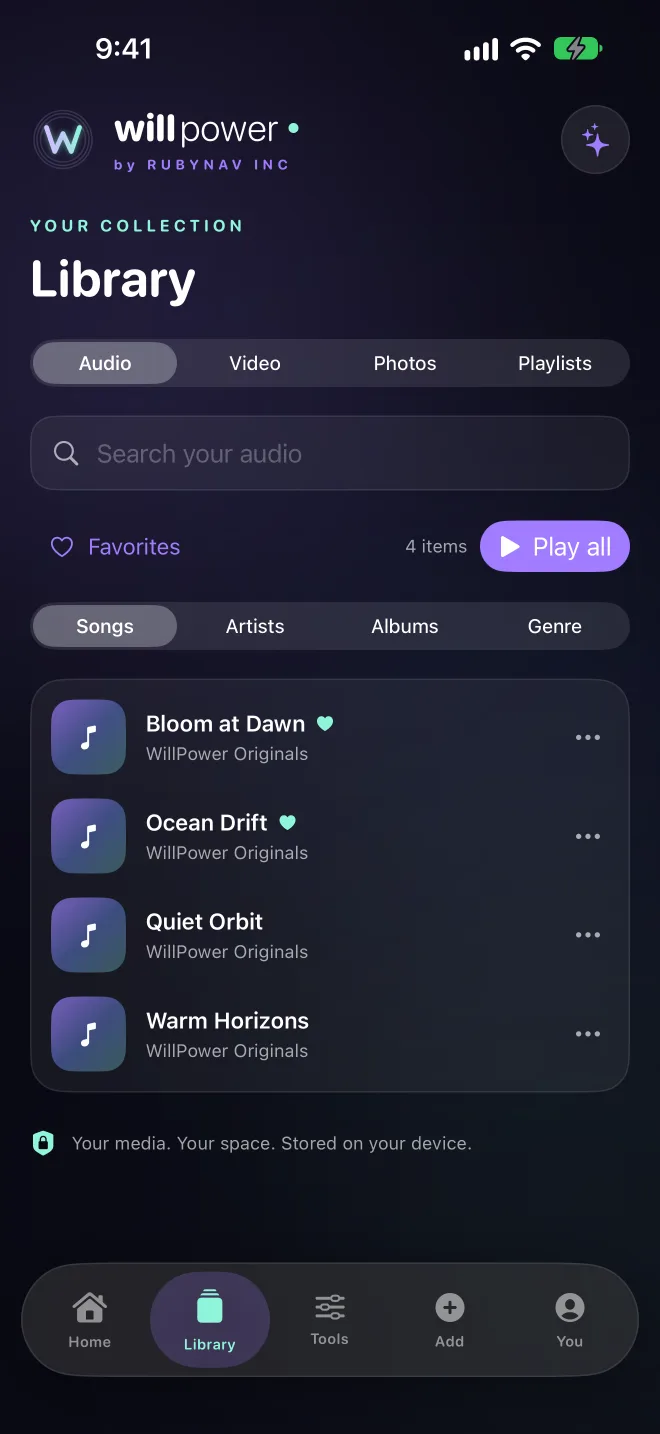
Browse by song, artist, album or genre, mark favorites and build playlists for every mood.
Watch and listen, send it to a TV with AirPlay, or open Tools to cut, convert, add effects or make a ringtone.
Importing, playlists, playback and the on-device tools are free and work without an account.
Studio-grade extras for your own media.
Pro belongs to your free WillPower ID (email and password) and works on up to 3 of your devices. Pro tools need an internet connection. Monthly allowances reset each UTC calendar month and do not roll over; each transcription excerpt is up to five minutes and each track for noise removal or vocal separation up to ten. Vocal separation is processed by Replicate, which deletes the uploaded copy when the job ends. Prices are shown in the app before you buy and may vary by country. Payment is charged to your Apple Account at confirmation of purchase. Subscriptions renew automatically unless cancelled at least 24 hours before the end of the current period. Manage or cancel in Settings › Apple Account › Subscriptions. Deleting your WillPower account does not cancel Apple billing. Terms of Use · Privacy Policy
WillPower is a native iPhone and iPad player and toolkit for your own audio, videos and images. You import the media, organize it into a library and playlists, play it with captions, lyrics, gestures and AirPlay, and shape it with tools like convert, cut, effects and the ringtone maker.
Convert audio to MP3, M4A, WAV or AIFF; cut, join, fade and reverse; change speed, pitch, reverb and equalizer; make a 30-second ringtone; convert video to MP4 or MOV, save a video's audio, trim and compress video; compress audio and rename files. With Pro you can also remove background noise and split vocals from the music. Every tool saves a new copy and keeps your original.
No. WillPower supplies no streams, music or video catalogue. It plays and edits media you own or are allowed to use.
Import from the Files app or Photos, connect an iCloud Drive folder, or start a Wi-Fi transfer in the app and open the address it shows on a computer on the same trusted network. Keep the app open while the transfer runs.
WillPower plays the audio, video and image formats your iPhone or iPad supports. Captions can be embedded, SRT or VTT; lyrics can be LRC or TXT.
No. Importing, playlists, playback and the on-device tools work without an account. A free WillPower ID is needed for MP3 conversion, which runs on our server, and for WillPower Pro.
Your media stays in the app's private storage on your device unless you choose to sync, share or use a cloud AI tool. Before a cloud tool runs, you see the provider and approve what is sent. Basic device diagnostics are optional.
WillPower Pro is $4.99 a month or $49.99 a year in the US, billed by Apple. Cancel any time in your Apple Account subscription settings.
WillPower is coming soon to the App Store for iPhone and iPad.
More help? Visit Support or write to mail@rubynavinc.com
Your sound. Your story. Your WillPower.